
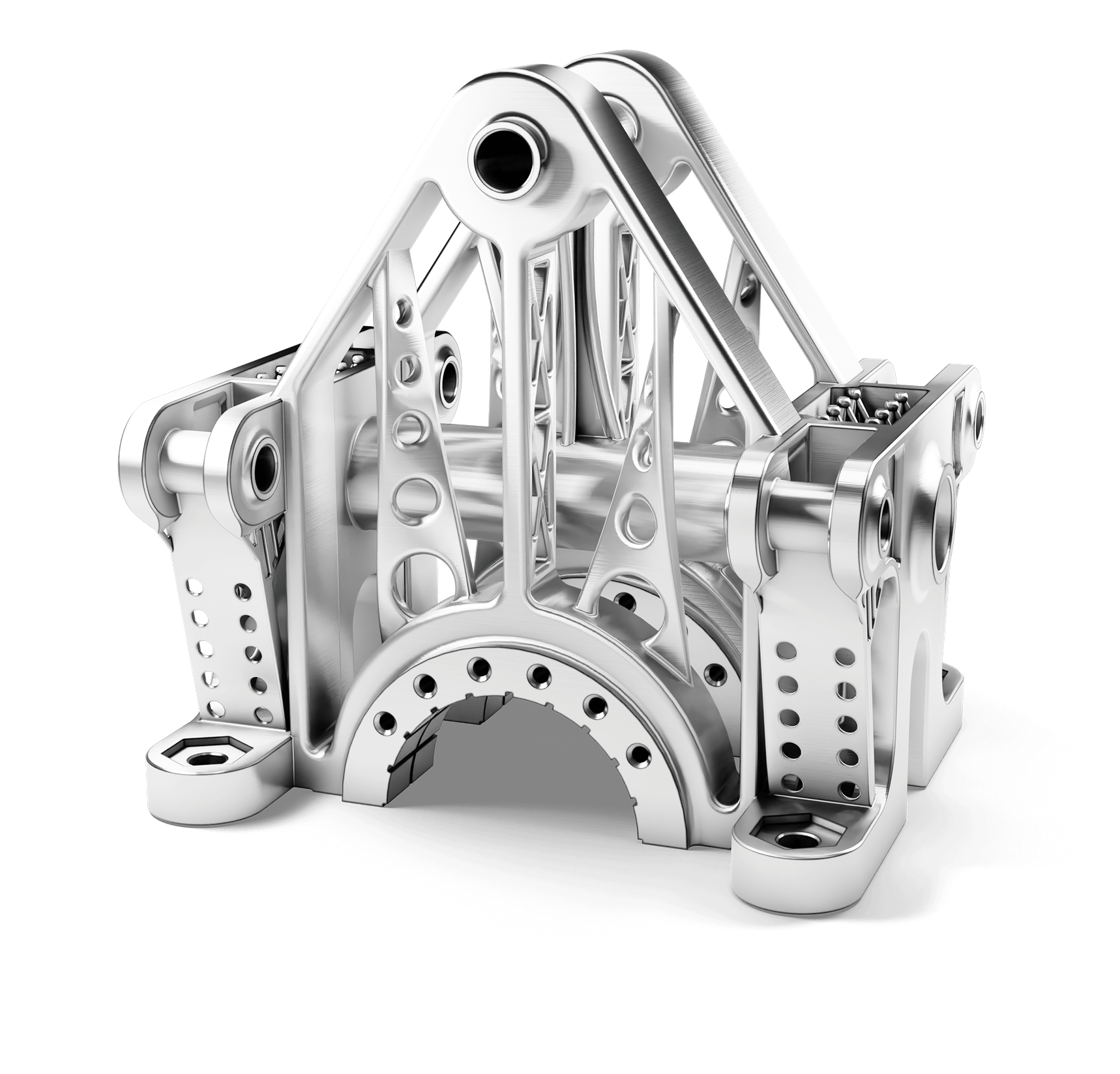
All-in-One
Industrial Additive Manufacturing Software
Prepare, optimize, and 3D print high-quality parts in record time with 3DXpert, an all-in-one, integrated 3D additive manufacturing software that streamlines the complete workflow, from design to printing.
Industry-Leading Software for Additive Manufacturing
Fully Integrated – Single Environment
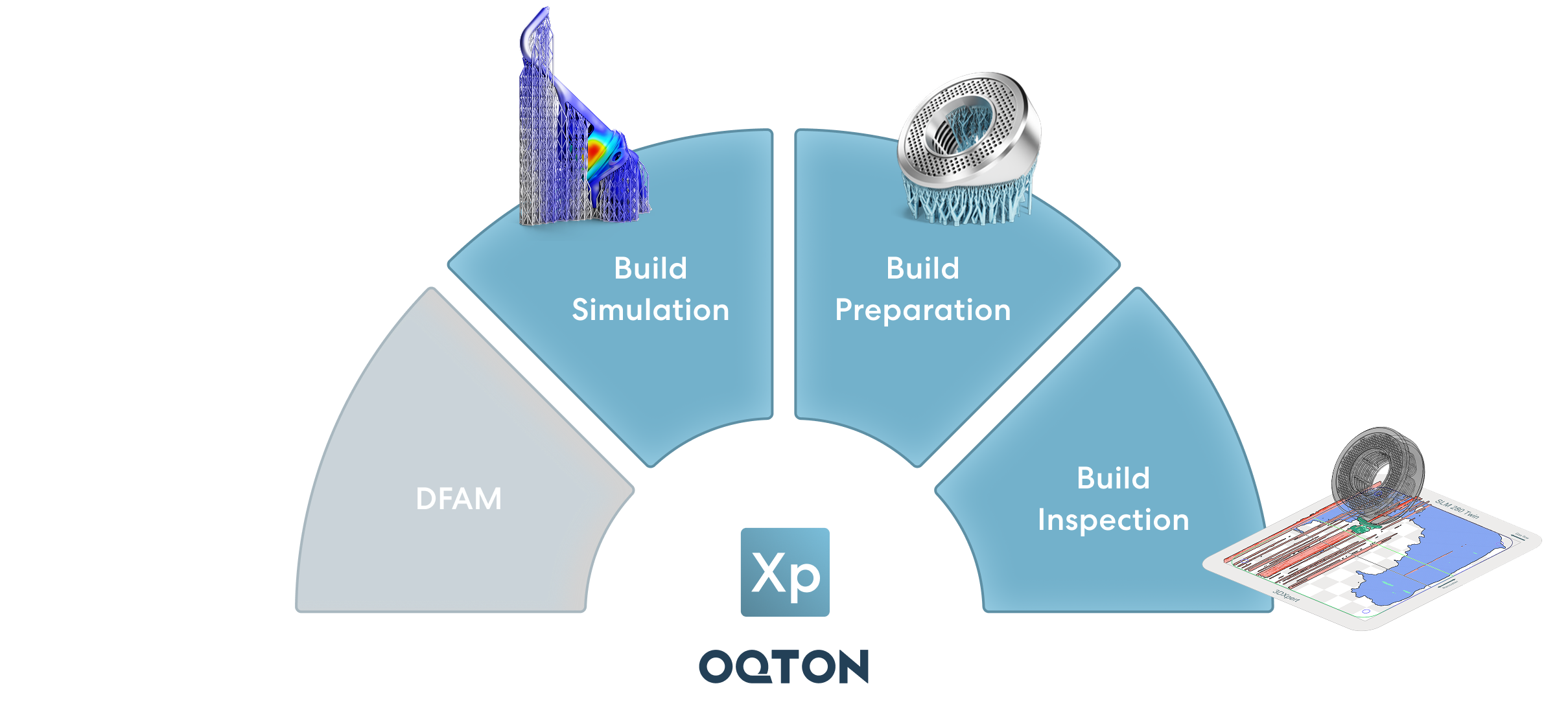
3DXpert is your one-stop-shop for additive manufacturing. Streamline your workflow, maximize efficiency, and avoid costly errors, by completing all AM processes in the same software environment, including DfAM, build preparation, simulation, and inspection.
Built Different: CAD at Its Core
Achieve up to 75% faster file processing time with CAD to Slice workflows. No more compromising data integrity of mechanically designed parts to STLs. 3DXpert is built on a CAD engine – making history-based, parametric build preparation the new standard in AM. Hybrid DfAM combines the power of solid, mesh, and implicit (voxel-based) modeling.
Automate Your Additive Manufacturing
3DXpert can help you handle any challenge AM throws at you. When faced with repetitive tasks, or part types that re-occur in your trays, 3DXpert can carry a lot of your load for you. By capturing your knowledge into scripts and using AI to group similar parts together and apply solutions to them, you are free to focus on more value-added tasks.
Design. Prepare. Build. Inspect.
3DXpert is the best solution to support the disruptive shift from rapid prototyping to serial AM production.
Design for Additive Manufacturing
Maximize Part Performance
Simulate & Compensate
First Time Right
Build Preparation and Slicing
Minimize Manufacturing Costs
AM Inspection
Machine Learning-Based Root-Cause Analysis
Industries
Additive Manufacturing Software for Every Industry

Tooling

Energy

Healthcare

Automotive

Aerospace & Defense

Engineering
Bring Out the Big Toolbox
Capabilities for every additive manufacturing application and process
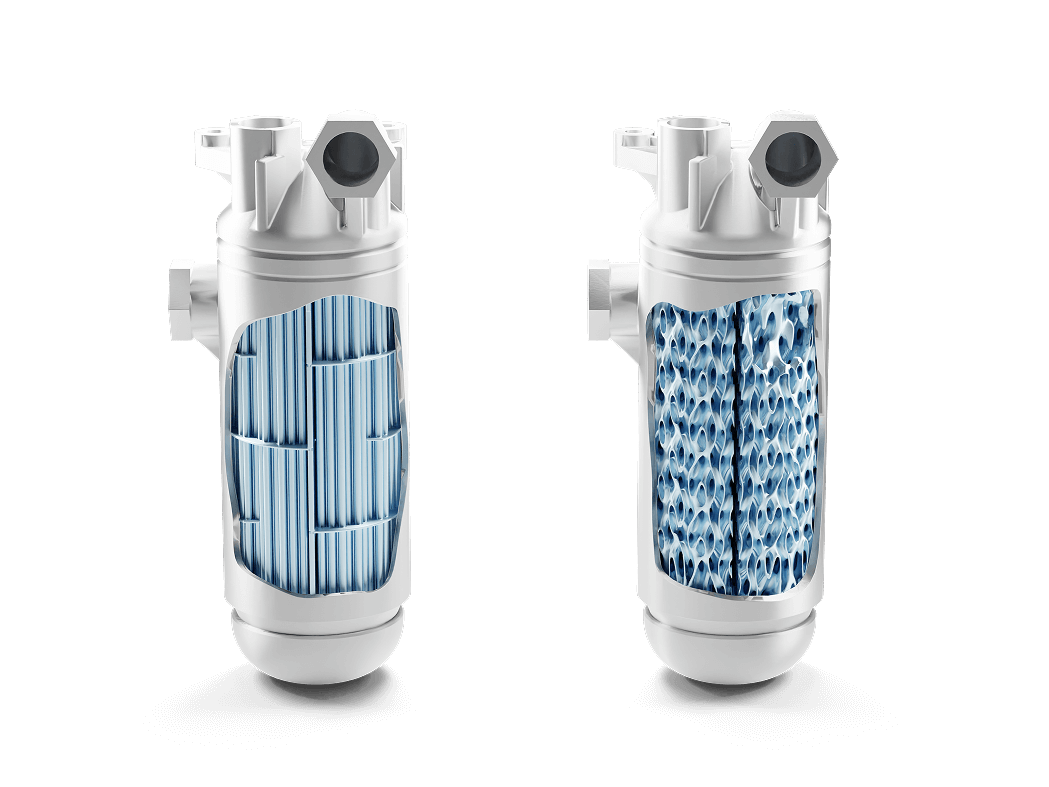
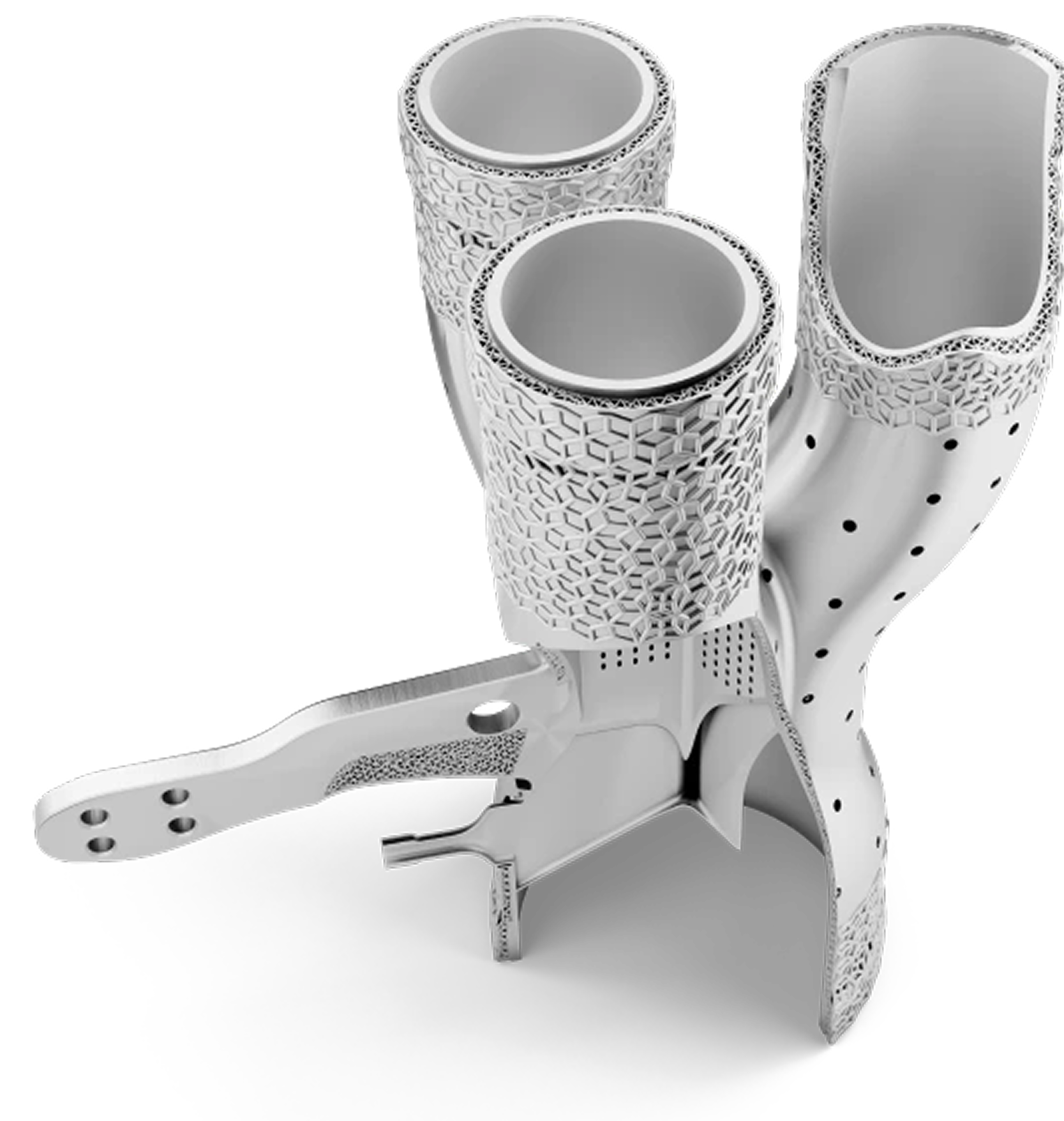
Heat Exchanger
Import any CAD format, maintain CAD integrity, and analyze for printability.
Position and Modify
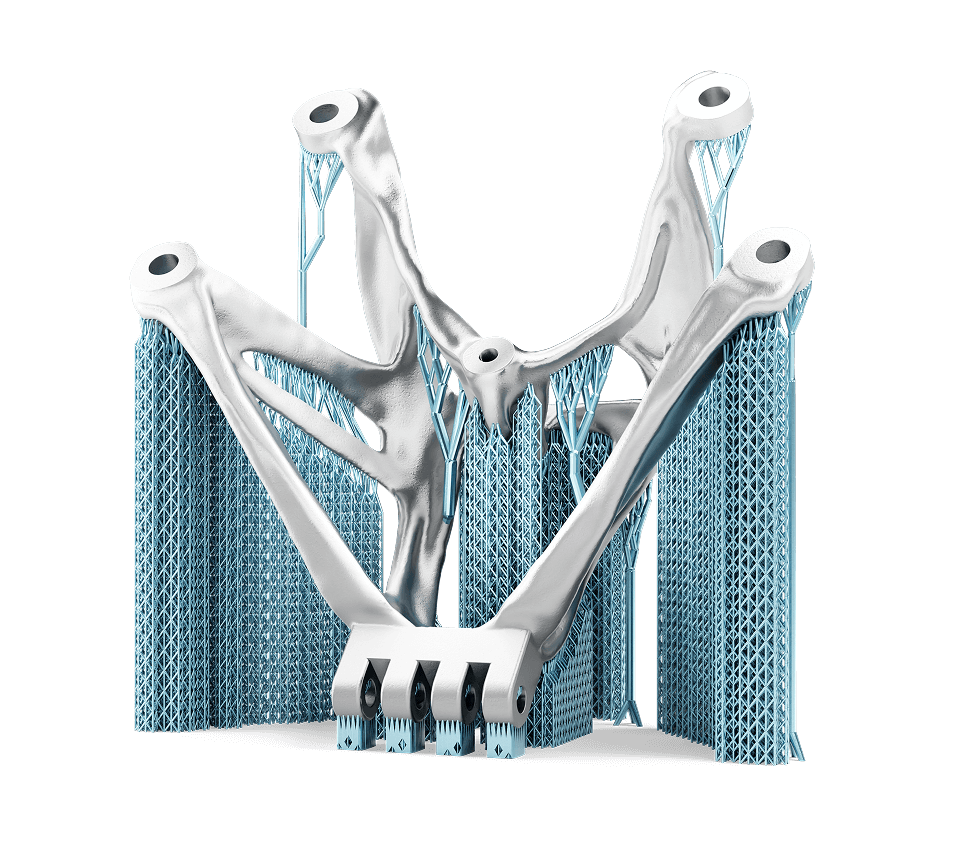
Design extremely complex geometries using the most efficient tools Set part orientation with real-time analysis of support and down-facing areas.
Design for AM
Use Topology Optimization, Lattice design, Implicit Modeling, and FEA to lightweight and optimize structures.
Design Supports
Analyze parts to automatically or manually create supports for overhanging regions.
Simulate Builds
Perform end-to-end fault prediction within the design environment to verify part builds.
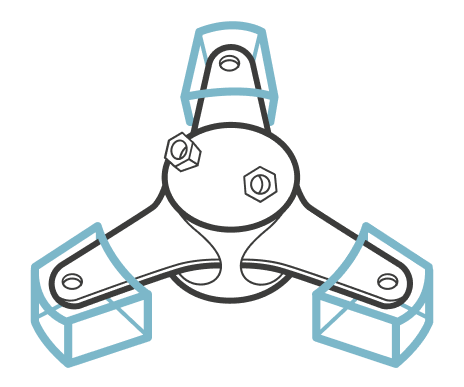
Optimize Printing Strategies
Shorten printing time and ensure high quality surface finish.
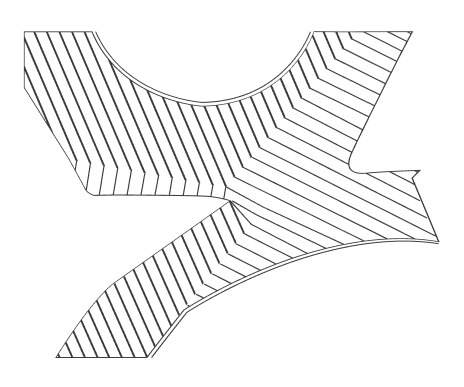
Build Processor
Optimize slicing and hatching to ensure repeatability and quality.
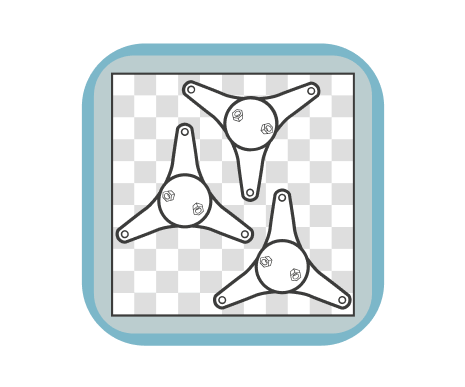
Arrange Build Platform
Use the operator edition to easily position parts on the tray and send them to print.

Build Inspection
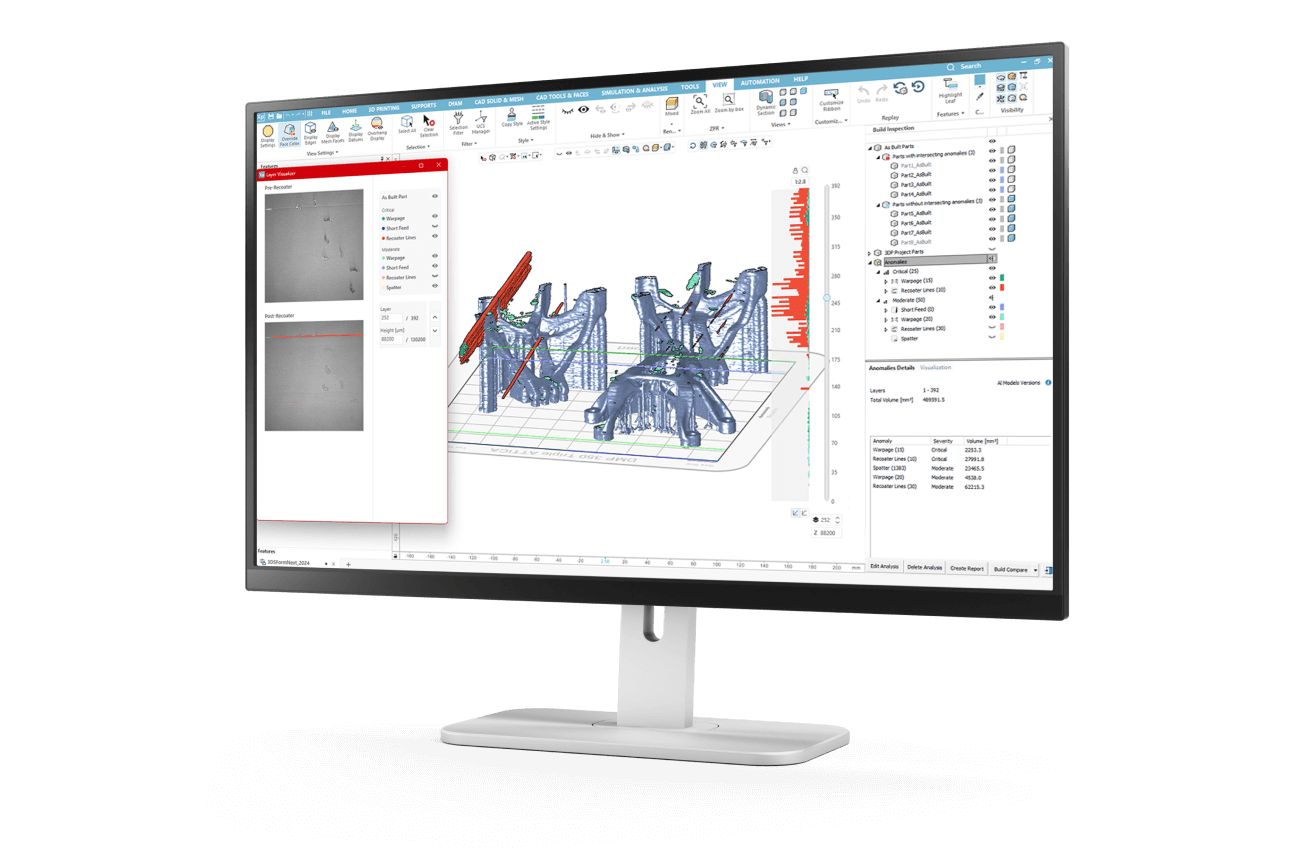
Inspect and correct anomalies and defects.
Trusted by Customers Across Many Industries



Integrated Process Simulation
for Additive Manufacturing
Physics-based job preparation tools powered by Amphyon technology
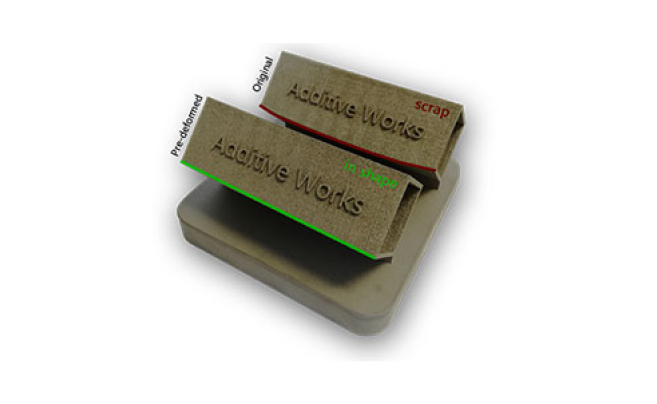
Build Near-Net-Shape Parts
Reduce costly build iterations. Automatically compensate for deformation. With 3DXpert Process Simulation you can achieve a significant increase of dimensional part accuracy for Metal 3D Printing (LBM, SLM, DMLS). Unprintable geometries become printable.
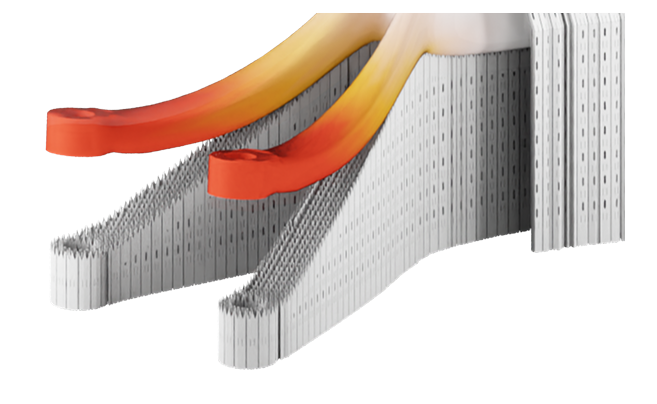
Prevent Printer Damage
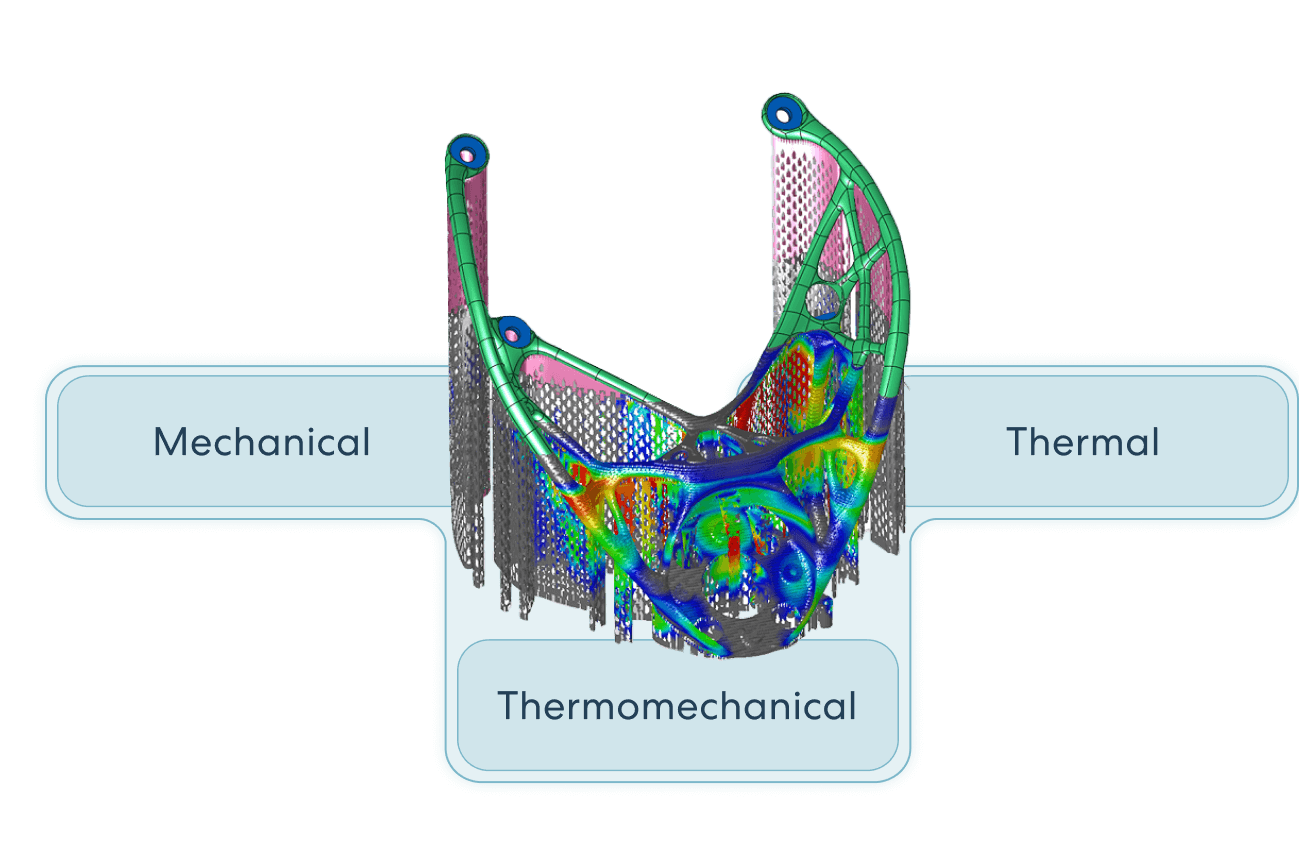
The cooling and shrinking that occurs after each layer is printed may cause the metal to rise above the powder bed level. These raised tips can damage the re-coater or even cause the roller to stop its motion.
Use 3DXpert Mechanical Simulation to predict where metal is likely to rise above the next deposit layer and cause damage to the printer, enabling you to take the appropriate corrective action.
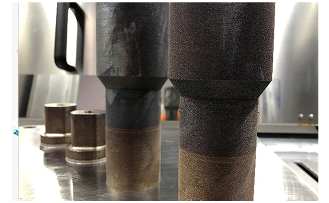
No More Overheating
Scaling from one part to a full build chamber changes the whole process dynamics. The Amphyon technology built into 3DXpert utilizes Thermal Simulation to predict overheating and achieve thermal stability by adapting the process setup with layer-specific cooling times – for all types of laser Metal AM machines. Ensure high-quality part properties.
Try 3DXpert additive
manufacturing software
Need some more information?
Here are some more 3DXpert
resources to download.

3DXpert Brochure

3DXpert Process Simulation
3DXpert DfAM
3DXpert Build Inspection
Don’t take our word for it!
Have a look at how successful our customers are
Professional Additive Manufacturing Software
3DXpert offers an integrated solution for 3D printing high-quality metal and plastic additive parts.
3DXpert FAQs
How can I contact Oqton to request a demo, or purchase 3DXpert?
What languages does 3DXpert support for additive manufacturing?
3DXpert supports the following languages: English, German, Chinese, Korean, Japanese.
How can I request a trial of 3DXpert additive manufacturing software?
and fill in your contact details. A member of our team will then contact you. The 3DXpert installation guide can be found on our support site.
What are the minimum system requirements to run 3DXpert?
– 4 cores i7 CPU (Gen 9 & above)
– 16GB RAM
– SSD recommended
– GPU – OpenGL enabled graphics card 4GB
– Find full system requirements on our Support page.
Where can I get technical support for 3DXpert?
Comprehensive documentation is embedded in 3DXpert; you can access it quickly by pressing F1. This works context sensitive and will open the relevant chapter for what you are working on. If you can’t find what you are looking for, you can submit a case to our support team.
What licensing options are available for 3DXpert?
– 3DXpert Basic: Covers all elementary 3D printing tasks, including orientation & positioning, template-based support generation, 2D/3D nesting, slicing, and sending the part to the printer. In addition, it allows for basic DfAM operations – generating lattices and infills, and a full CAD toolset in a hybrid environment including both solid and mesh modelling. It is best suited for polymer powder based processes.
– 3DXpert Standard: The Standard package provides all the tools to prepare and successfully print plastic and metal parts. It includes all functionalities of 3DXpert Basic, coupled with a powerful suite of support generation tools and serial labelling.
– 3DXpert Premium: Advanced Metal AM suite, with all functionalities of 3DXpert Standard, additionally augmented with included GPU-based Process Simulation (mechanical and thermal adaptation simulation of the build process), powerful editing capabilities for build strategies, simulation and scan-based compensation, Automated power Supports and creating and editing of automation scripts.
– 3DXpert Design & Ultimate: A comprehensive toolset for users that require advanced DfAM and Build Prep capabilities. This includes Solid, Mesh, standard Lattice, conformal Lattice, and Implicit modeling design toolset. Designers can use our vast set of dedicated DfAM tools, to apply textures, light weighting, etc. Process Engineers can use all our advanced toolset for build prep to make sure they can directly slice and prepare the AM design for manufacturing, without having to export the geometry to Mesh/STL.
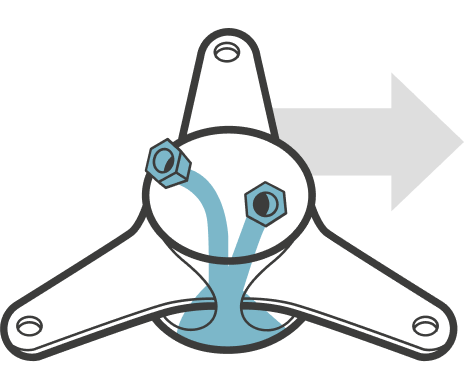
– 3DXpert Elite: Combines all available tools for the most ambitious users. Comes with our complete DfAM toolset (including the Heat Exchanger Application), the 3DXpert Generative Design (Topology Optimization), our complete Part Prep toolset and an integrated Process Simulation for Metal powder bed.
– 3DXpert Educational: Classroom bundle of 3DXpert Elite with all available tools, including a power seat for the professor and up to 10 student seats, for non-commercial use and non-commercial research institutes.
How can I organize a 3DXpert training course?
What additive manufacturing machines are compatible with 3DXpert?
Which CAD files and other file formats are compatible with 3DXpert?
3DXpert imports and exports all standard CAD formats. It can directly read native files of common CAD systems: SOLIDWORKS, CATIA, NX, Creo, Solid Edge, Inventor and Rhino. It can also read and write all commonly used generic formats:
– B-rep: STEP, Parasolid, IGES, SAT (ACIS), VDA
– >Mesh: STL, 3MF, OBJ, PLY, AMF, 3DXML, JT, VRML
– Voxels: VDB
– Contours and points: DXF, CLI, Point cloud formats
Request A Demo
"*" indicates required fields